Study a layout
Bring an existing public page into your file as a starting point for exploration.
 Html to Figma Design
Bring public websites and HTML into Figma as editable layers. Skip the redraw and get straight to making it yours.

Bring the parts you need into Figma, then make them your own.

Paste a public page URL or HTML, select your widths, and import directly into your Figma file.
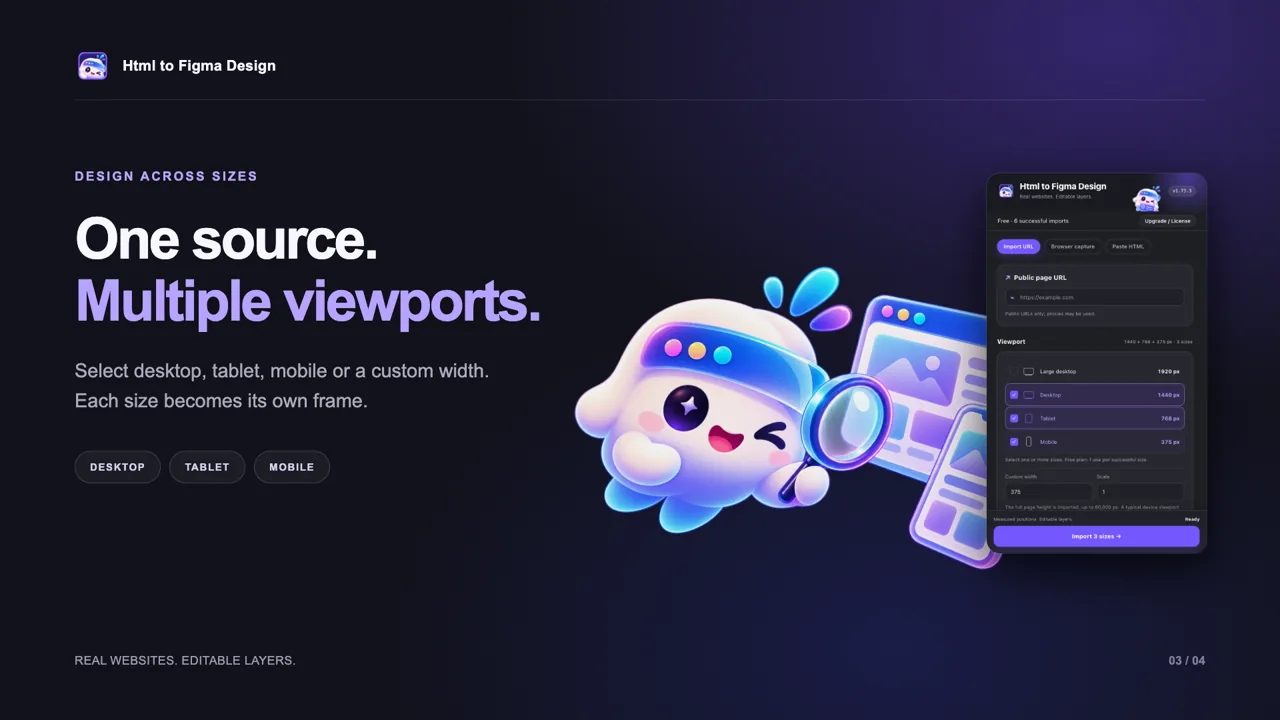
Select desktop, tablet, mobile, or a custom width. Each selected size is rendered separately and becomes its own frame.

Explore editable text, shapes, images, and supported visual styles. Auto Layout is used where the measured layout can be represented accurately; other elements keep their measured positions.
Bring an existing public page into your file as a starting point for exploration.
Edit individual elements instead of tracing over a flat screenshot.
Compare separately rendered frames at the widths that matter to your project.
Pick the plan that fits your workflow.
Try the workflow and see what you can create.
For the ideas and iterations that keep coming.
One payment for ongoing access.
Prices in USD. Checkout and license delivery by Dodo Payments; taxes may apply. Paid licenses require online validation. Failed or cancelled imports do not count toward the free allowance.
Each successfully generated viewport frame counts as one import. Failed or cancelled attempts do not use your free allowance.
Yes. The plugin creates editable Figma layers, including text, shapes, and image layers. Some complex effects or visual content may use image fallbacks.
Auto Layout is used where it can accurately express the measured layout. Other elements retain their measured positions.
Use public URLs only. Some websites restrict automated access, and complex animations, fonts, or effects may not reproduce exactly. URLs and resources may be fetched via third-party services; avoid private or sensitive URLs.
Dodo Payments handles checkout and license delivery. Activate your license in the plugin; paid access requires online validation. The annual plan renews automatically.
One little sidekick. A lot more room to create.
Open in Figma ↗